
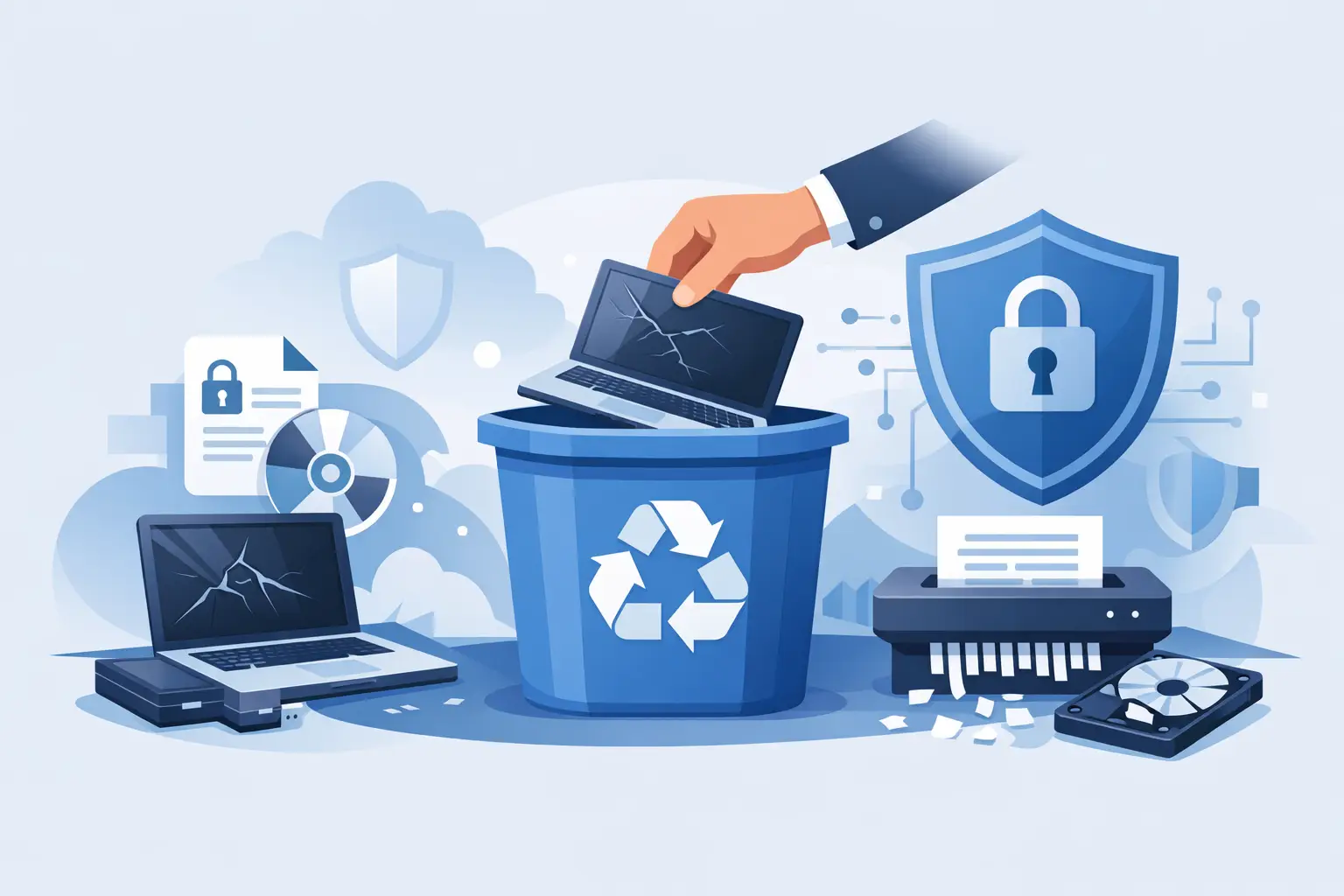
How to Dispose of Old Laptops Securely
Secure laptop disposal is not just about clearing space. It is about protecting sensitive data, meeting compliance obligations and making sure reusable technology is handled in the most environmentally responsible way possible.
An old laptop in a cupboard is rarely just clutter. For a business, school or home office, it can still hold emails, saved passwords, customer records, payroll files or access to cloud systems. Knowing how to dispose of old laptops securely is not simply about getting rid of unwanted equipment — it is about protecting data, meeting your legal responsibilities and making sure usable technology is put to good use.
Too often, laptops are passed on informally, sent to general recycling, or left in storage because no one is fully confident the data has been dealt with. That hesitation is understandable. A redundant device can still present a GDPR risk long after it stops being used for day-to-day work.
What secure laptop disposal actually means
Secure disposal has three parts. First, any data must be erased to recognised, verifiable standards. Second, the equipment should be handled through an authorised route. Third, the process must be documented if the device belonged to an organisation.
Deleting files manually is not enough. Neither is dragging documents to the bin or performing a basic factory reset. To make data irretrievable, the drive must be cleansed using certified software that overwrites the entire storage space. If you need support with secure data destruction services, a specialist provider can manage the process and issue the right documentation.
Physical destruction is not necessary for security and can be harmful to the environment. It destroys materials that could otherwise be reused or responsibly recycled, increases e-waste and creates avoidable demand for new component manufacturing. Secure data erasure achieves the same protection while preserving the opportunity for refurbishment, reuse and more efficient material recovery.
If a laptop is suitable for reuse, it should be sanitised and then refurbished for resale or donation. If it is damaged or obsolete, it should still go through a proper laptop recycling service so its materials are recovered responsibly.
How to dispose of old laptops securely at each stage
The safest process starts before collection day. Treat old hardware as an asset disposal project, not just a clear-out task.
1. Identify what data may still be on the device
Start by assuming the laptop contains more than you remember — local documents, saved logins, cached emails and records within applications. For businesses, keep an asset list noting make, model, serial number and user to track what is leaving and confirm proper erasure certificates later.
2. Decide whether the laptop should be reused or recycled
A modern, working laptop usually has value for reuse once its data is properly erased. Extending its life is the best environmental outcome because it avoids the energy and emissions linked to manufacturing new machines. Older or faulty equipment should still be processed securely to retrieve recyclable materials, but there is no need for destructive methods that waste recoverable parts.
3. Remove the device from active accounts and services
Before the laptop leaves your control, sign out from managed accounts and remove it from business systems or device management tools such as Microsoft 365, Google Workspace or Apple ID. This ensures no live access remains through company systems.
4. Use certified data erasure, not guesswork
The strongest option is to use a specialist provider offering certified data erasure. Software-based erasure is verified and produces documentation that demonstrates compliance with GDPR. It gives the same level of protection as physical destruction but allows the device to be reused or recycled responsibly instead of adding to landfill.
For individuals, thorough erasure provides peace of mind without unnecessary waste. If disposing of a personal laptop containing banking details or identity documents, rely on certified wiping methods rather than resets or informal disposal.
Why compliance matters for businesses
Data disposal is part of your data protection responsibility. Old devices can still hold personal information covered by GDPR. Proper erasure ensures this data is no longer accessible while meeting your environmental obligations under WEEE recycling regulations rules.
Working with a registered recycler simplifies the process. You gain traceability, certificates and a clear chain of custody, all while ensuring that reusable equipment is handled ethically and sustainably.
Common mistakes that create avoidable risk
The biggest mistake is letting old laptops accumulate in storage, assuming that is safer than acting. Without proper tracking, they remain a security risk and an environmental burden.
Another error is informal disposal — giving devices away without confirming that data was erased to a certified standard. Similarly, not all recyclers offer the same level of service, so always verify the process and the documentation you will receive.
Choosing a secure disposal provider
When comparing providers, ask how data erasure is verified, what documentation will be issued and whether devices suitable for reuse are refurbished rather than scrapped. A good partner minimises friction while handling everything from collection to certification.
For larger volumes, a nationwide IT collection service can make a significant difference. It turns a clearance job into a controlled, auditable process.
When refurbishment is better than recycling
Secure disposal does not mean destruction of the entire laptop. With proper data sanitisation, refurbishment supports the circular economy and reduces carbon impact. It keeps functional components in use rather than consuming resources to produce replacements.
Many businesses choose Tech Recycle’s IT recycling and disposal services because they combine data security with environmental responsibility, ensuring nothing is destroyed needlessly while compliance is maintained.
A practical standard for secure disposal
Before letting any old laptop leave your control, confirm who is collecting it, how the data will be erased and what evidence you will receive afterwards. Secure disposal should protect data, demonstrate compliance and give the equipment its most sustainable next life.
Old laptops do not need to be destroyed to be safe — just handled intelligently. With professional erasure and reuse, you clear space, protect privacy and protect the environment at the same time.