
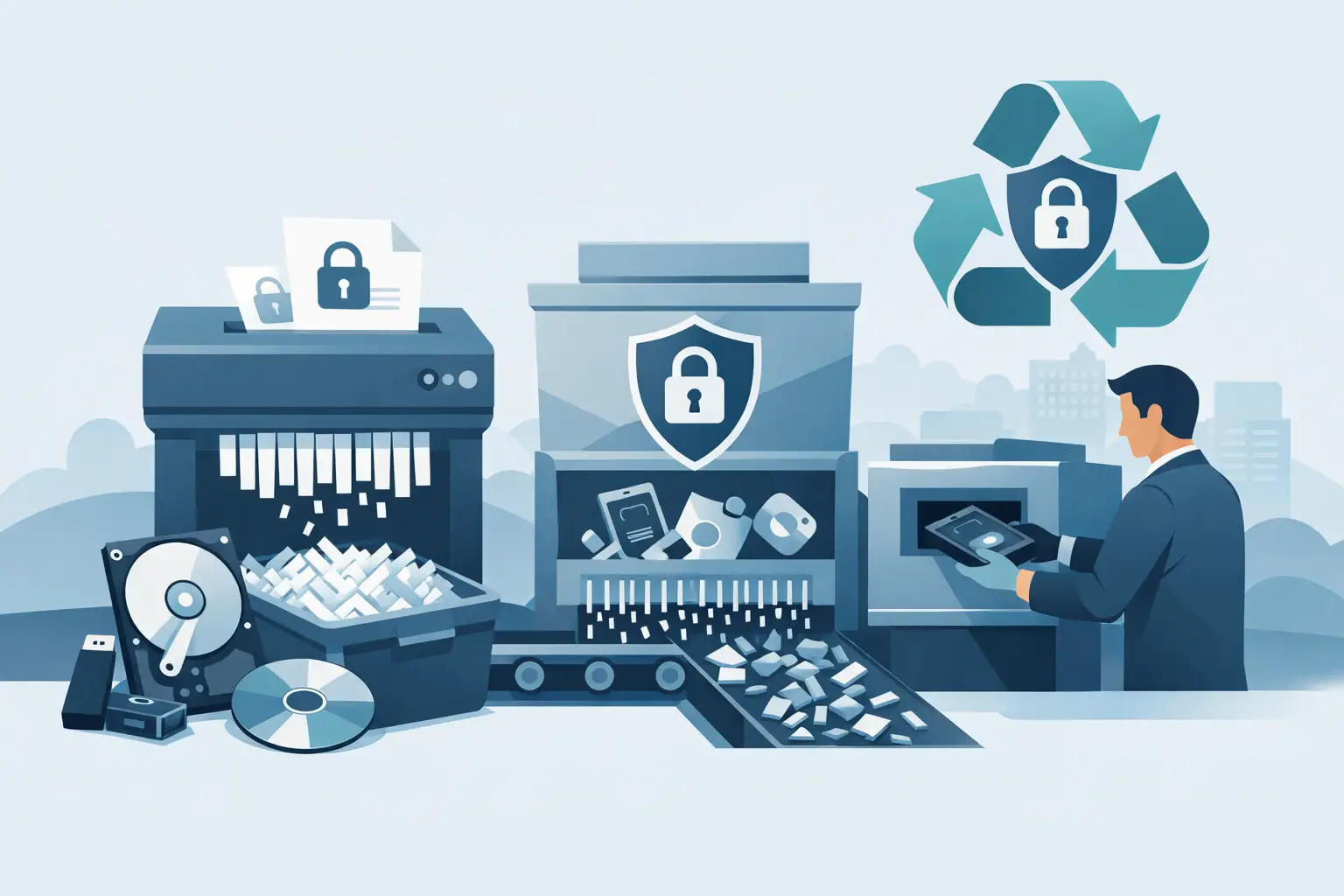
A forgotten hard drive in a storeroom can create more risk than a live laptop on a desk. Old servers, backup tapes, phones and removable media often sit untouched for months, sometimes years, even though they still hold personal data, commercial records and access credentials. That is why a clear guide to secure media destruction matters – not as a box-ticking exercise, but as part of proper data protection, compliance and responsible asset disposal.
For most organisations, the challenge is not knowing that data should be destroyed. It is knowing what should be destroyed, what can be sanitised and reused, and how to prove the process was handled correctly. Those details matter, especially when GDPR obligations, internal audit requirements and environmental targets all pull in at once.
What secure media destruction actually means
Secure media destruction is the controlled process of making data permanently inaccessible on a device or storage medium. Depending on the item, that could mean certified erasure, degaussing, shredding or physical destruction. The right method depends on the media type, the sensitivity of the data and whether the asset can be safely reused.
That last point is often overlooked. Destruction is not always the best first step. If a laptop, desktop or server drive can be securely wiped to a recognised standard and then reused or refurbished, that is usually a better environmental outcome than destroying perfectly serviceable equipment. A reuse-first approach supports the waste hierarchy and reduces unnecessary disposal without compromising data security.
Where reuse is not appropriate, physical destruction may be the safer route. Damaged drives, failed media, obsolete storage formats and highly sensitive assets often fall into that category.
A guide to secure media destruction starts with an asset review
Before anything leaves site, it helps to know exactly what you are dealing with. That means identifying the types of media in storage, where they came from, what data they may contain and whether there are any internal retention rules still in force.
In practice, this review often uncovers more than expected. USB sticks turn up in desk drawers. Old mobiles appear in facilities cupboards. Backup tapes are found in archive boxes with no clear owner. A structured inventory reduces guesswork and helps separate reusable IT equipment from media that needs final destruction.
This stage is also where businesses should decide who owns the sign-off process. IT may understand the equipment, but compliance, facilities or department heads may control retention and disposal approval. Clear accountability prevents assets being missed or moved without records.
Choosing the right destruction method
There is no single method that fits every device. Hard drives, solid-state drives, optical media and paper records all behave differently, so secure disposal has to reflect that.
For reusable IT equipment, certified data erasure is often the most sensible route. It removes data while preserving the asset for refurbishment or redeployment. This is particularly valuable when organisations are clearing working laptops, desktops or mobile devices that still have service life left.
Physical shredding is commonly used when media is damaged, obsolete or too sensitive for reuse. Once shredded to the correct specification, recovery is not realistically possible. This gives many organisations a high level of assurance, particularly for failed drives and end-of-life storage.
Degaussing may be suitable for certain magnetic media, but it is not universal. It will not solve every storage type, and it can render equipment unusable. That may be acceptable for some security-led disposal programmes, but less so where sustainability targets are also part of the brief.
The trade-off is straightforward. If the aim is absolute final destruction, physical methods are often preferred. If the aim is secure data removal with environmental benefit, erasure and reuse may be the better choice. It depends on the media, the risk profile and whether the equipment has any realistic second life.
Compliance is about evidence, not just intention
Many organisations assume that handing equipment to a waste carrier is enough. It is not. If the media contains personal data or confidential business information, you need a process that shows what happened, when it happened and who handled it.
That usually means an auditable chain of custody, formal registration with the right authorities, and documentation such as asset reports and certificates of destruction or erasure. Without that evidence, proving compliance later can become difficult, especially after an incident, complaint or audit.
For UK organisations, GDPR remains a key consideration where personal data is involved. Secure disposal supports the wider obligation to process data lawfully and protect it against unauthorised access. Environmental compliance also matters. WEEE should be handled by authorised providers with suitable downstream controls, not mixed into general waste or informal clearance routes.
In simple terms, a provider should be able to explain its process clearly and document it properly. If that sounds vague or improvised, it is worth asking harder questions.
Common mistakes that increase risk
The biggest failures in media destruction are usually operational rather than technical. Devices get stored for too long, collections are delayed, and old assets sit in unsecured rooms because no one owns the project.
Another common mistake is treating all items as scrap. That can lead to unnecessary destruction of equipment that could have been securely erased and reused. It also creates avoidable environmental waste. At the other extreme, some organisations assume a factory reset is enough for every device. Often it is not. Consumer-level reset functions do not always provide the level of assurance needed for business disposal.
Documentation gaps are another weak point. If ten drives were removed from a server room, you should be able to account for ten drives through to final processing. Missing serials, vague collection notes and generic paperwork can leave awkward questions later.
How to choose a secure media destruction partner
A reliable provider should make the process simpler, not harder. That starts with collection and handling. If your team is trying to move obsolete IT around the country themselves, the chain of custody becomes harder to control and the burden stays with you.
Look for a service that can collect securely, process equipment through documented workflows and provide clear certification. Registration with the Environment Agency and ICO is relevant in the UK because it supports the wider picture of lawful, responsible handling. Experience with both data-bearing assets and wider WEEE streams also helps, particularly when an office or site clearance includes a mixture of laptops, monitors, networking kit and general electricals.
Just as importantly, ask how the provider approaches reuse. A destruction-led model may sound secure, but it is not always the most responsible option. A better standard is secure handling that protects data while preserving equipment where possible. Tech Recycle follows that principle by prioritising refurbishment and reuse before recycling or destruction, which is often the right balance for organisations trying to meet both compliance and sustainability goals.
Guide to secure media destruction for different organisations
The right process varies by sector. A school clearing classroom laptops may be dealing with safeguarding concerns, student data and tight budgets. A private business may be more focused on customer records, financial systems and clearing office space quickly. Public sector teams often need stronger audit trails and formal procurement compliance.
The practical answer is not to create a different rulebook for every site, but to scale the process to the type of data and volume of equipment involved. A few encrypted mobiles from a small office can be handled differently from a full server room decommission. What matters is that the decision is deliberate, documented and matched to the actual risk.
What a well-run process looks like
In most cases, secure media destruction should feel orderly from the start. Assets are identified, packed or segregated correctly, collected through a controlled process and tracked through treatment. Reusable items are sanitised and tested. Non-reusable media is destroyed using the right method. Documentation is then issued so the organisation can close the file with confidence.
When that process is working properly, it removes more than data risk. It clears valuable space, reduces internal admin and prevents redundant equipment becoming a long-term problem. It also helps businesses avoid the false choice between security and sustainability. With the right handling, you can protect data, meet compliance duties and still avoid waste where reuse is possible.
If you have old media sitting in cupboards, comms rooms or off-site storage, leaving it there is usually the least secure option. A clear process, backed by proper documentation and a reuse-first mindset, is the practical way to deal with it properly before it becomes someone else’s problem.